How to Enter a Code
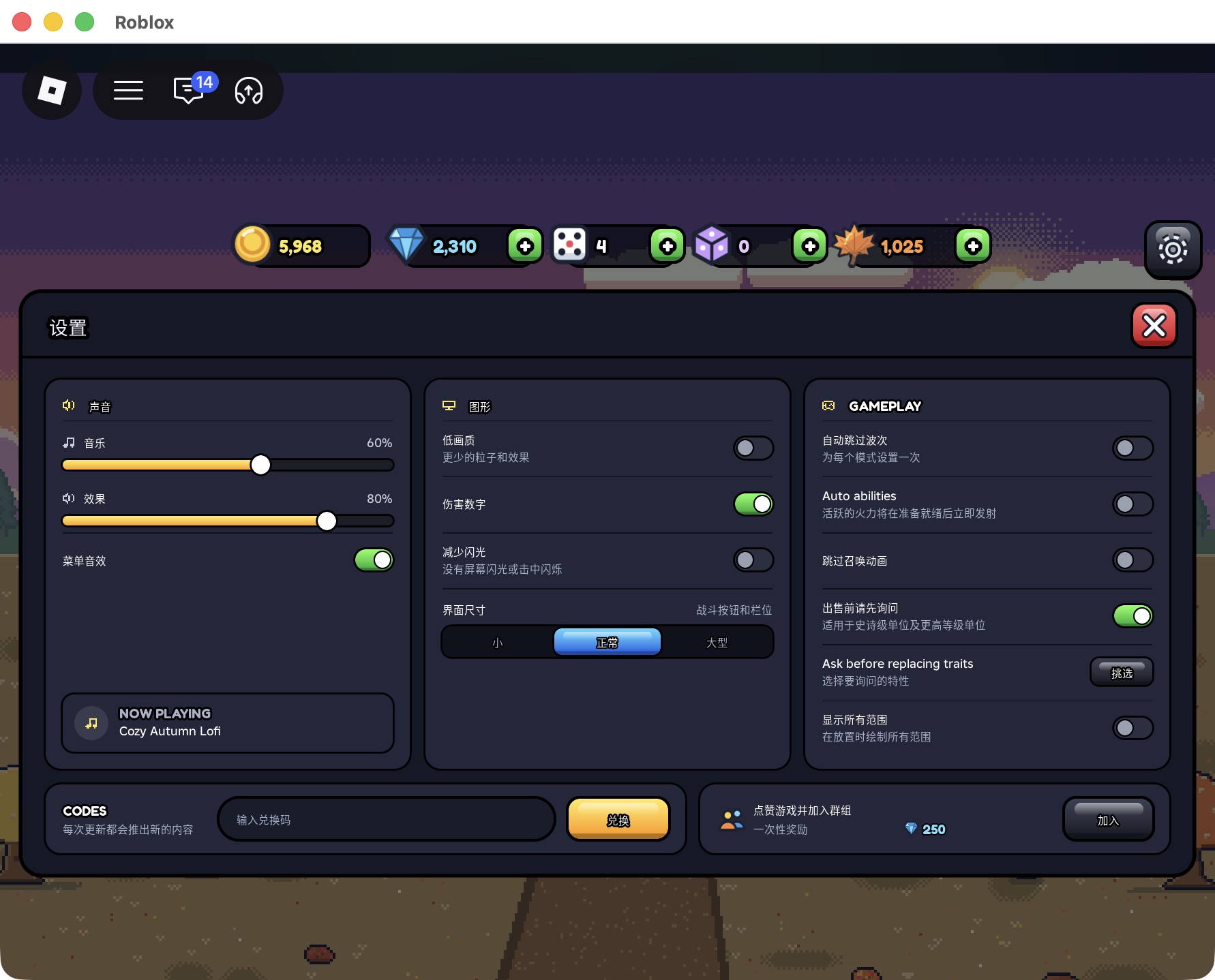
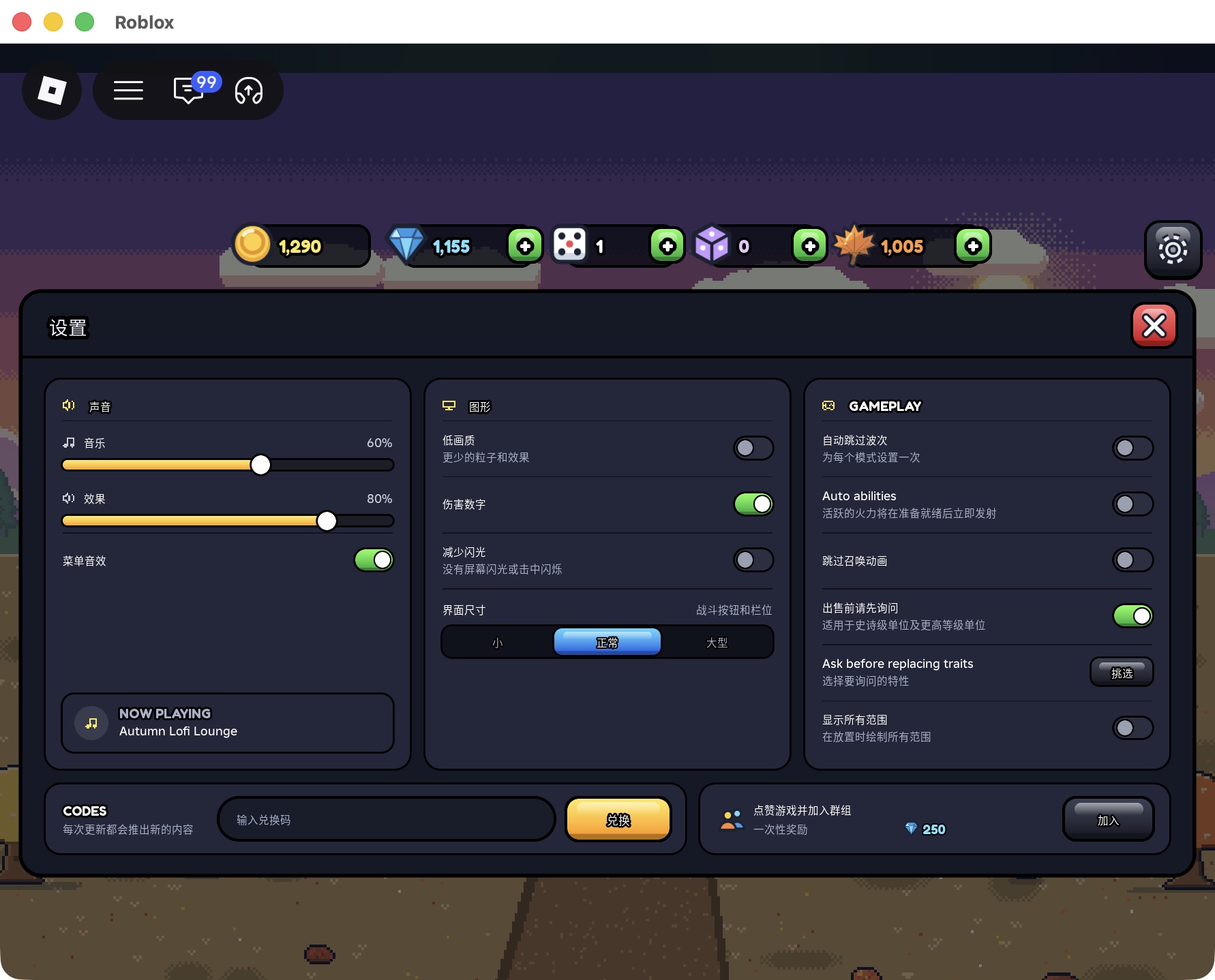
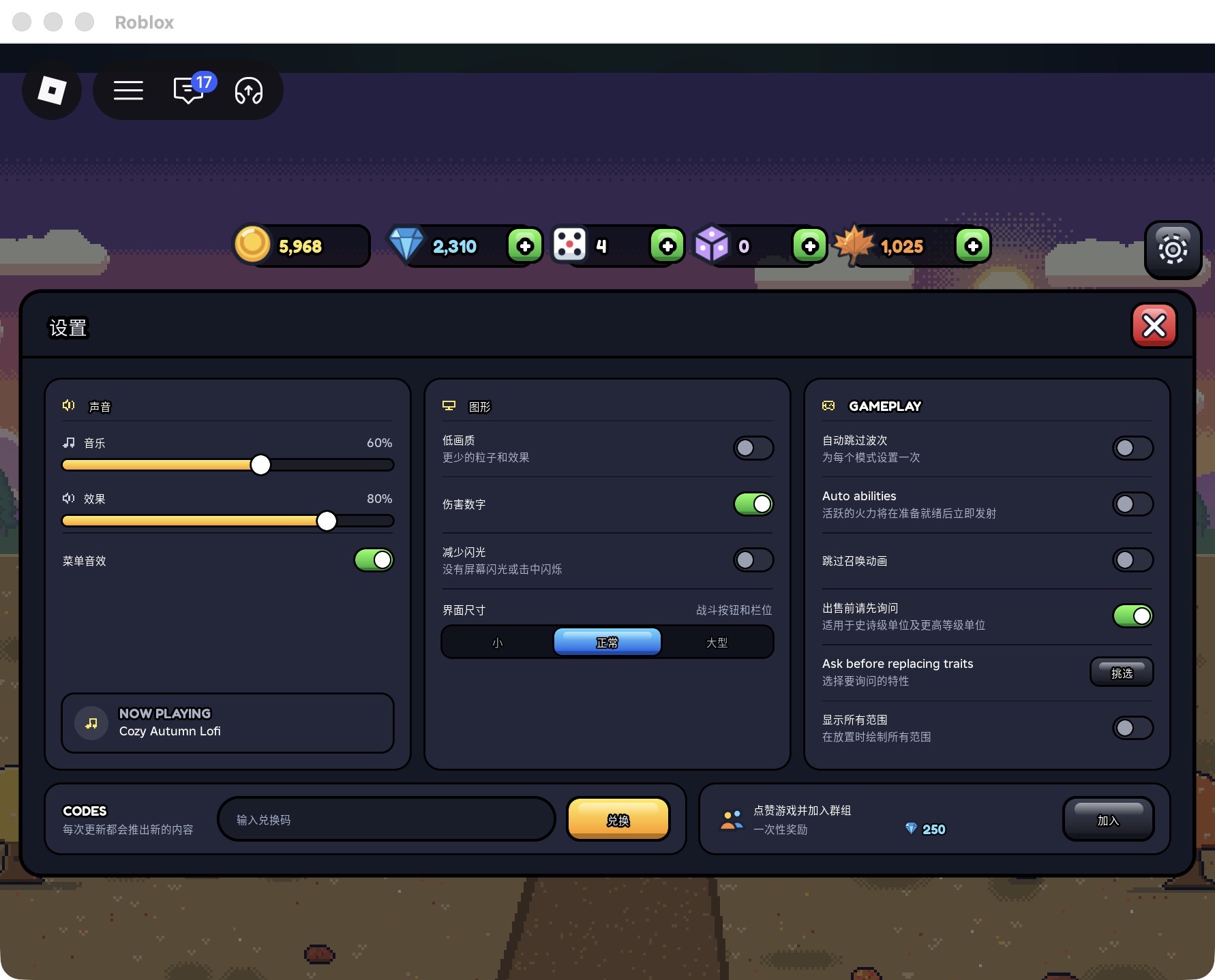
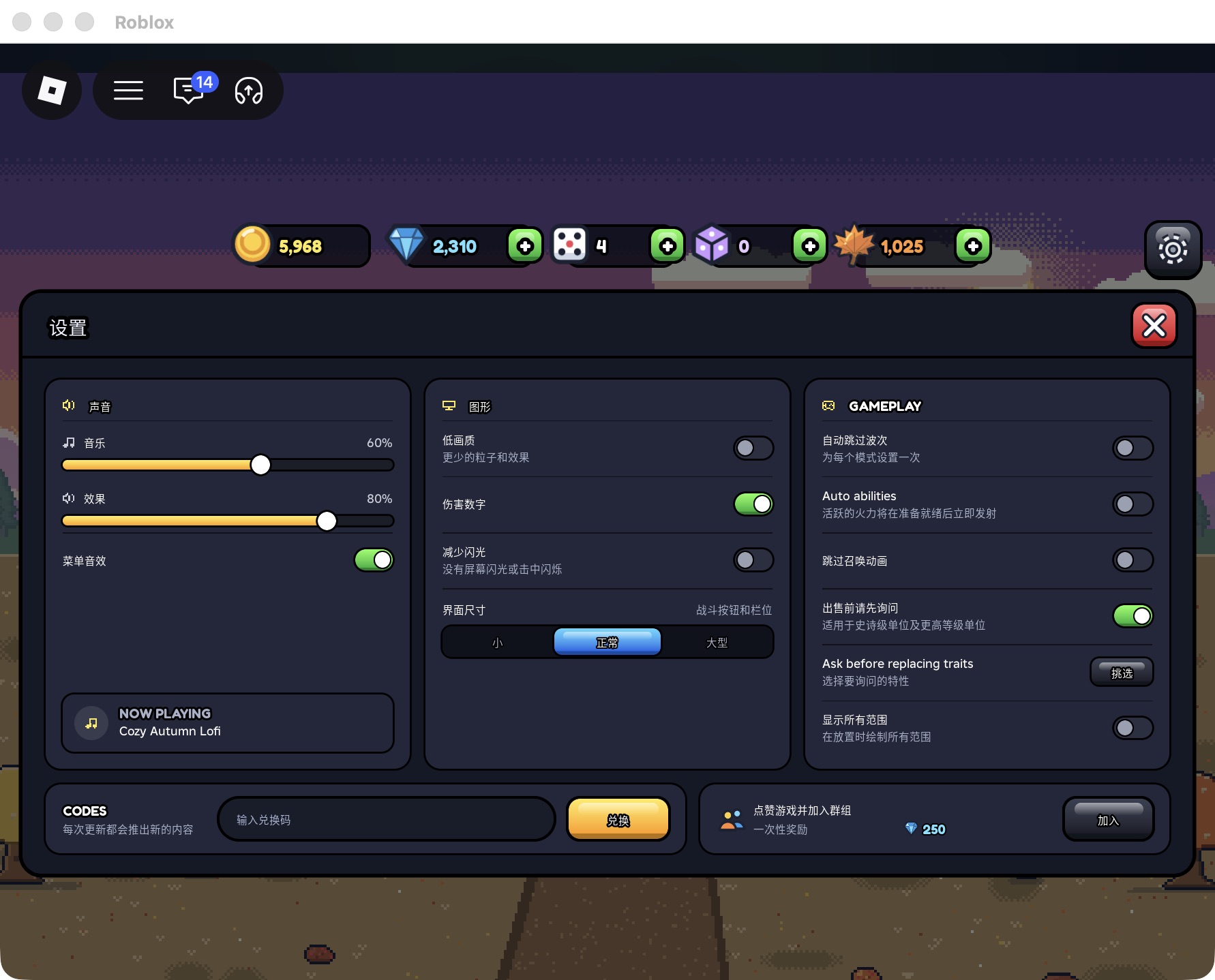
Select the empty code field and enter one published code exactly as its official announcement writes it. Before selecting the yellow redeem button, compare every character, remove accidental surrounding spaces and check that the notice concerns this game. Keeping the published capitalization is a precaution, not proof that the game rejects lowercase.
Record your Gems, Gold and relevant item counters before submitting a code, then check them again after the response. For THANKSGIVING, the recorded claim increased Gems from 655 to 1,155 and Autumn Leaves from 5 to 1,005. The read-only check for this guide entered no code and claimed no reward.
How Code Redemption Works
Case sensitivity remains UNKNOWN: the inspected CODES panel gives no capitalization rule. Per-code claim counts, repeat redemption, event exceptions and account-level restrictions also remain UNKNOWN. Five earlier successful claims on one account do not establish a universal rule for every code, and no duplicate submission was made to test one.
After the earlier successful submissions, the field returned to its empty placeholder and the recorded balances changed. No persistent success-toast wording was captured. The one-time reward label in the current Settings panel belongs to the separate like-and-join offer. It does not prove that each code can be redeemed only once.
Common Redemption Problems
If an entry fails, first compare it with the original announcement rather than guessing a different string. For an input mistake, correct the spelling and spacing. For a suspected repeat claim, check your own redemption notes before trying again; this guide does not supply a tested already-redeemed message or claim a repeat-use limit.
For a potentially expired code, look for an explicit expiry or withdrawal notice from the developer. For an unfamiliar code, keep its status unknown until a reliable source identifies it. Save any error text actually displayed and the relevant balance comparison. An empty field alone does not identify an expired, invalid, used or restricted code.